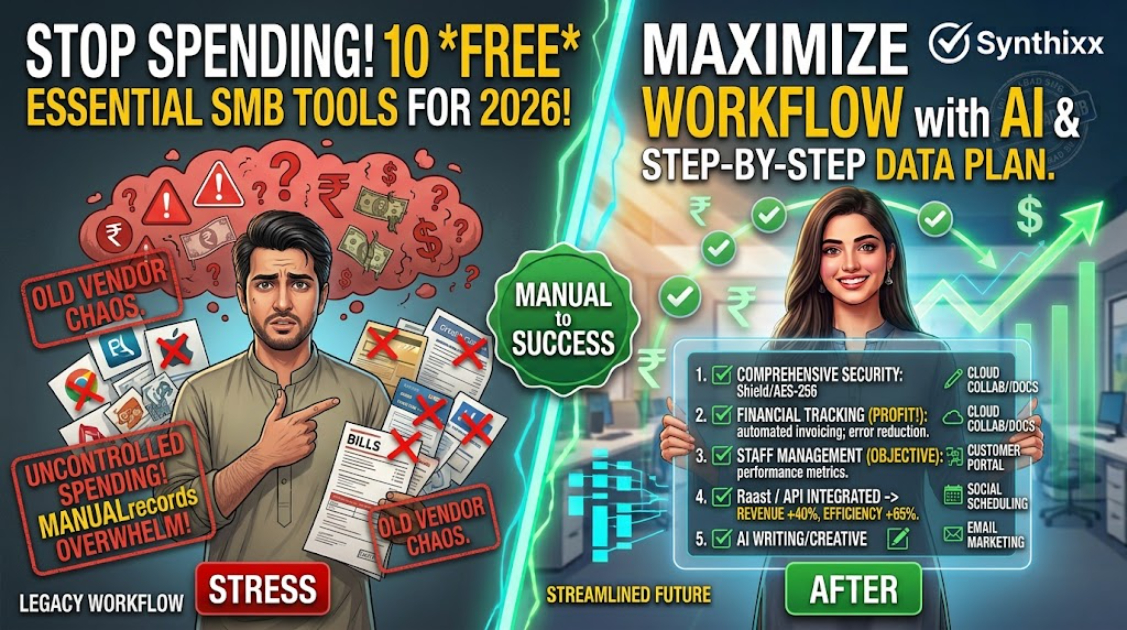
Running a small business usually means wearing ten hats at once. You are the marketing team, the accountant, the customer service line, and the store manager. The good news is that most of that work now has a free tool that runs in a browser ΓÇö no installation, no expensive hardware, no IT department.
Here are ten free tools I actually see small businesses using, with the specific job each one is good at. I have written the list from my work with businesses in South Asia, but every tool on it is used successfully all over the world.
1. Canva ΓÇö your design department
If you have ever sent a blurry, stretched image to your social page, this is for you. Canva makes posters, rate cards, menu designs, and social posts from ready-made templates. The free version is enough for almost every small business. Type the text, pick a template, download the image. Your social feeds will suddenly look professional.
2. Google Workspace (free account) ΓÇö your office
A free Google account gives you Drive, Docs, Sheets, Slides, and Calendar. Keep your business documents in Drive instead of on one laptop. A spreadsheet in Sheets that three people can open beats a file emailed back and forth. If you are ready to pay, a custom domain email costs a small monthly amount ΓÇö but the free tier already covers most needs.
3. Google Sheets ΓÇö your simple ledger
For a shop or service business that does not need full accounting, Sheets is a real ledger. Set up columns for date, customer, item, and amount; use a SUM formula and you have a monthly total. Add a second tab for expenses. It is not a replacement for proper accounting at scale, but it is honest, free, and impossible to lose if you keep it in Drive.
4. Google Forms ΓÇö your registration and survey tool
Admissions forms, order forms, feedback surveys, event registrations ΓÇö Google Forms collects answers in a spreadsheet automatically. A school or tuition centre can replace paper admission forms overnight. Share the link on whatever messaging app your customers use and they can fill it from their phones.
5. WhatsApp Business ΓÇö your customer channel
In many parts of the world ΓÇö South Asia especially ΓÇö people run their lives on WhatsApp, and the Business app adds structure: a profile with your address and hours, quick replies for common questions, and labels so you know which customers are new, pending, or paid. The catalog feature lets you show products. The free app is enough until you need automation, at which point the paid API starts making sense. If WhatsApp is not the dominant app in your market, the same lesson applies to whichever messaging app is.
6. Trello ΓÇö your to-do board
Trello is a simple board with columns like "To do", "Doing", and "Done". Put tasks on cards and drag them across. For a team of two to ten people, it replaces the chaotic group chat where tasks get lost. The free tier covers unlimited boards and most small teams. If your team already lives in a spreadsheet, keep the spreadsheet ΓÇö but if tasks keep getting lost in chat, the board is worth the week of habit-building.
7. Notion ΓÇö your notes and knowledge base
If Trello is your board, Notion is your notebook that can become a wiki. Standard operating procedures, price lists, staff contacts, and meeting notes all live in one searchable place. It is free for individuals and small teams. The trick is to keep it simple ΓÇö one page for every repeatable process.
8. Google Meet ΓÇö your meetings
Zoom's free tier has time limits; Google Meet is free for video calls that can run long, and it needs no separate app if your team already uses Google. For a school holding parent meetings or a business talking to suppliers, Meet is the easiest free option.
9. remove.bg (and similar) ΓÇö your image cleanup
A picture of a product against a messy background looks unprofessional. remove.bg strips the background in seconds and gives you a clean cutout. It is not free for unlimited high-resolution downloads, but the free tier handles everyday product shots fine. This single tool improves a shop's product photos more than anything else.
10. Google Search Console ΓÇö your website traffic tool
If you have any website, verify it in Search Console for free. It shows which search terms bring you visitors, whether Google can read your pages, and when something breaks. It is the difference between guessing about your online presence and actually seeing it. This is the first tool I recommend to any business that owns a domain. Even a one-page site with your address and services is enough to start learning what people search for before they reach you.
The whole list at a glance
| Tool | Job | Free tier good for | | --- | --- | --- | | Canva | Design | Posters, menus, social posts | | Google Workspace | Office | Docs, Sheets, Drive, Calendar | | Google Sheets | Ledger | Bookkeeping for small shops | | Google Forms | Forms | Registrations, surveys | | WhatsApp Business | Customer channel | Messaging, catalog, labels | | Trello | Task board | Small team task tracking | | Notion | Notes and wiki | SOPs, contacts, meeting notes | | Google Meet | Meetings | Long video calls | | remove.bg | Image cleanup | Product photos | | Google Search Console | Website traffic | Search insights |
How to adopt tools without chaos
The mistake I see is installing six tools in one weekend and abandoning all of them by Tuesday. Instead:
- ΓÇóPick one painful task and fix it with one tool.
- ΓÇóRun it for a full month before adding anything else.
- ΓÇóKeep a short note explaining how the tool is used, so the knowledge does not live only in one person's head.
There is a reason this sequence works: it turns a weekend of hope into a habit. A tool used once a day for a month becomes part of how the business runs; a tool opened once and forgotten is a subscription to guilt. Choose the single task that annoys you most every week ΓÇö that is the one worth automating first.
Frequently asked questions
Are these really free? Each has a free tier that is genuinely usable for a small business. You will eventually pay for storage, branding, or higher limits ΓÇö but you can run a long time before that happens.
Do these work without a credit card? Yes. All of these can be used with a basic email account. None of them require international payment to start, which matters a lot in markets where international cards are hard to get.
Do I need a fast computer for these? No. They all run in a browser on ordinary hardware and modest connections. That is precisely why they became the default choice for small businesses in markets where expensive hardware is out of reach.
Which one should I start with? Google Workspace and Sheets if you have no system at all. WhatsApp Business if your customer contact is a mess. Solve the biggest pain first.
The tool is never the product ΓÇö the discipline is. Pick one, use it daily for a month, and you will have built a system that beats any expensive software you never open.
Jawad Zaheer Kyani
Founder & Software Engineer at Synthixx
Jawad Zaheer Kyani is the founder of Synthixx Technologies. He is a software builder from Muzaffarabad, in the beautiful valleys of Azad Jammu & Kashmir, and he founded the company on a simple belief: practical software should work for people everywhere, not just in Silicon Valley. He runs Synthixx with one rule — ship tools that still hold up on a busy Tuesday, not slides that only look good in a meeting.He founded Synthixx in the valleys of Azad Jammu & Kashmir with a simple ambition: to prove that world-class, practical software can come from anywhere — and to put his region on the global map. Every article on this blog is written or reviewed by him, grounded in the day-to-day work of actually building the products.Before starting Synthixx, he spent years building software for schools, startups, and businesses across Pakistan and internationally. He writes about AI, school management, free tools, and the real challenges of building technology outside of major tech hubs.
View full profile →