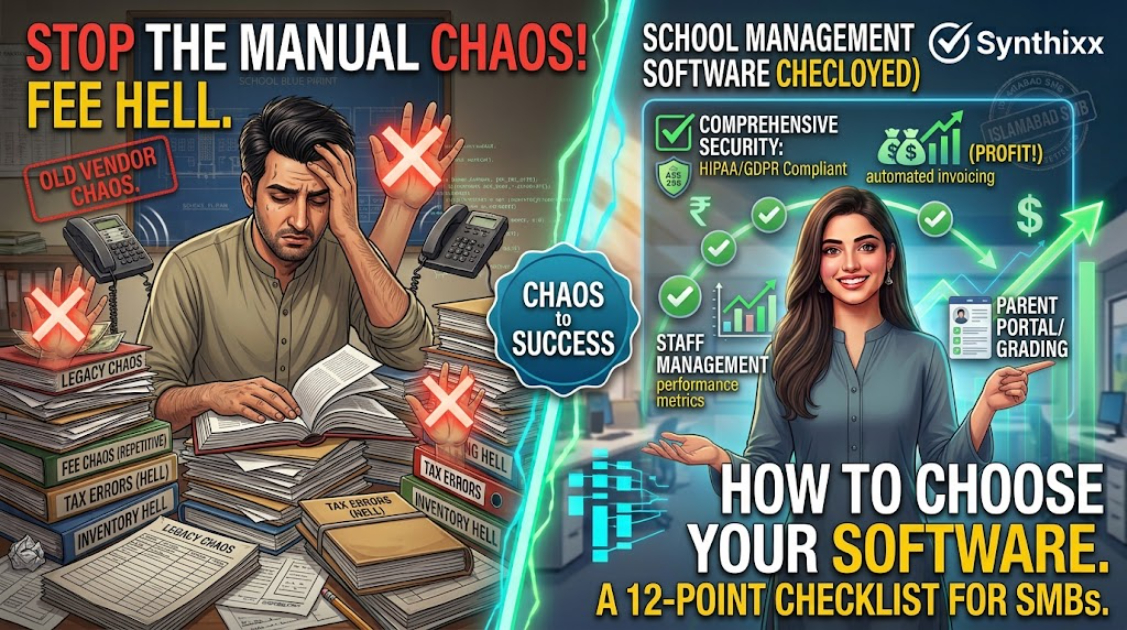
Choosing school management software feels easy until you sit down to choose. Every vendor has a beautiful product tour. Then month two arrives, the fee reports do not match, the support person stops replying, and you discover your data cannot be exported. I have seen this happen more than once.
This checklist is the one I wish schools had before signing anything. It works for any country, but I have written it from experience with schools in South Asia, which means it checks the things that trip up schools there ΓÇö local currency pricing, local payment methods, and support in the local timezone. Wherever you are, run through all twelve points.
The 12 points
1. Who owns the data?
This is the first question, and most people ask it last. Can you export all your data ΓÇö students, fees, attendance ΓÇö any time, in a standard format like Excel or CSV? If the answer is "you can download PDFs", run. Your school's records are not the vendor's bargaining chip.
2. Are prices in your currency with payment methods you can use?
A product priced in a foreign currency with a foreign-only billing page is a product built for someone else. Your budget should be clear in your local currency, and you should be able to pay through a method that works for you. Ask about renewal increases before you sign.
3. Does it match how schools in your region run?
Look for the workflows that actually matter where you are: monthly invoices, late fees, reminders through the messaging app your parents use, names in your local script, and exam systems that follow your local board structure. A product with great features you will never use is worse than a simple product that fits.
4. Can parents access a portal on cheap phones?
A parent portal that requires a new app and a high-end phone will not get used. What you want is a secure web link that opens in the browser on an older Android phone. Test this yourself on a real phone before committing.
5. Is there real fee management?
Fees are the reason most schools buy software. Confirm it can: define fee structures per class, generate invoices in a batch, record payments with references, calculate late fees, and produce an outstanding report at any moment. Take the fee module through a full live trial, end to end ΓÇö do not accept a screenshot.
6. What does attendance actually automate?
Ask to see the whole flow: mark attendance, generate a daily summary, alert parents on absence, and produce the monthly report that is sent to the office. "Attendance module included" tells you nothing. The walkthrough does.
7. Are exams and results covered?
Result cards should be generated from marks you enter once. Check that the system handles the local grading scale, computes totals without arithmetic errors, and prints a result card that looks like something a parent would frame.
8. Can you import from Excel?
Your existing student register is in a spreadsheet. The software should import it cleanly. Ask for a sample import on your own file before you buy. This single step has saved more school owners than any feature list.
9. Is there real support, in your timezone, in your language?
Support that replies in the middle of the night on the other side of the planet is useless to a school that works 8 a.m. to 4 p.m. local time. Ask: who answers, how fast, and in which language? In South Asia, English and Urdu both matter. The vendor's support model is part of the product.
10. Is security treated seriously?
Per-student records are sensitive. The software should have per-user roles (teachers see their classes, accountants see fees, parents see only their children) and a clear privacy policy that says your data is not used to train external AI or shared with other schools.
11. Can it grow without breaking?
A tool that is perfect at 200 students but collapses at 600 is a trap. Ask how performance holds up as records grow, and whether multiple branches are a realistic option later ΓÇö even if you do not need it today.
12. What happens if you leave?
Read the exit clause as carefully as the price. If you cancel, can you take your data, and is there a transition period? A vendor that makes leaving easy is usually a vendor worth staying with.
The checklist at a glance
| # | Question | Why it matters | | --- | --- | --- | | 1 | Who owns the data? | Export capability protects you | | 2 | Local pricing? | Fits your budget reality | | 3 | Fits local workflows? | You will actually use it | | 4 | Works on cheap phones? | Parents will actually use it | | 5 | Real fee management? | The main reason you buy | | 6 | Real attendance automation? | Saves daily staff time | | 7 | Exams and results? | Avoids rework twice a year | | 8 | Excel import? | Fast, safe setup | | 9 | Local support? | Fee month is always a crisis | | 10 | Security and roles? | Student data is sensitive | | 11 | Grows with you? | No re-buy at 600 students | | 12 | Easy exit? | Vendors reveal themselves here |
Red flags to avoid
- ΓÇóNo export option at all.
- ΓÇóPrices only in a foreign currency, paid only by international card.
- ΓÇóSupport that is email-only with no phone or messaging option.
- ΓÇóA "free" product that holds your data hostage once you upload it.
- ΓÇóRefusing to let you test with your own school data.
How to run the trial properly
Do not trial software during your quiet month. Trial it during fee week:
1. Import 50 real students. 2. Generate a real month of invoices. 3. Record 50 payments, including one or two mistakes. 4. Try to export everything.
Add one more test if you can: have the support team walk you through something on a weekend. That tells you more about the vendor than a year of brochures.
If it survives that, it will survive your school. If it does not, you have saved yourself a year of misery for the price of a week.
Frequently asked questions
Should we use a free option first? A clean spreadsheet is a fine starting point. The moment reconciliation becomes painful or fees start leaking, a proper system pays for itself.
Which is more important, features or support? Support. A decent product with responsive local support beats a fancy product with nobody to call in a crisis ΓÇö and fee month is always a crisis.
Can we switch later? You can, if you chose a product that lets you export. That is why point one is point one.
Should we buy through a reseller? Only if the reseller is accountable. Ask who answers support tickets and whether they can fix problems without forwarding them for days. Otherwise, buy direct from the vendor.
Pick software the way you would pick a staff member: check references, test them on real work, and read the contract before the excitement wears off.
Jawad Zaheer Kyani
Founder & Software Engineer at Synthixx
Jawad Zaheer Kyani is the founder of Synthixx Technologies. He is a software builder from Muzaffarabad, in the beautiful valleys of Azad Jammu & Kashmir, and he founded the company on a simple belief: practical software should work for people everywhere, not just in Silicon Valley. He runs Synthixx with one rule — ship tools that still hold up on a busy Tuesday, not slides that only look good in a meeting.He founded Synthixx in the valleys of Azad Jammu & Kashmir with a simple ambition: to prove that world-class, practical software can come from anywhere — and to put his region on the global map. Every article on this blog is written or reviewed by him, grounded in the day-to-day work of actually building the products.Before starting Synthixx, he spent years building software for schools, startups, and businesses across Pakistan and internationally. He writes about AI, school management, free tools, and the real challenges of building technology outside of major tech hubs.
View full profile →